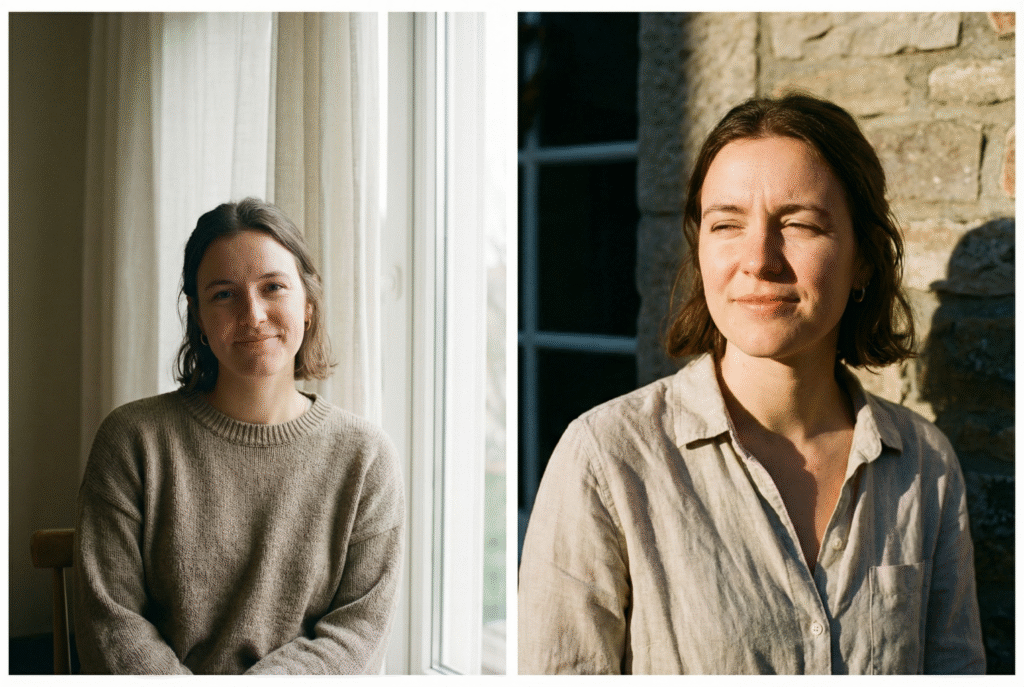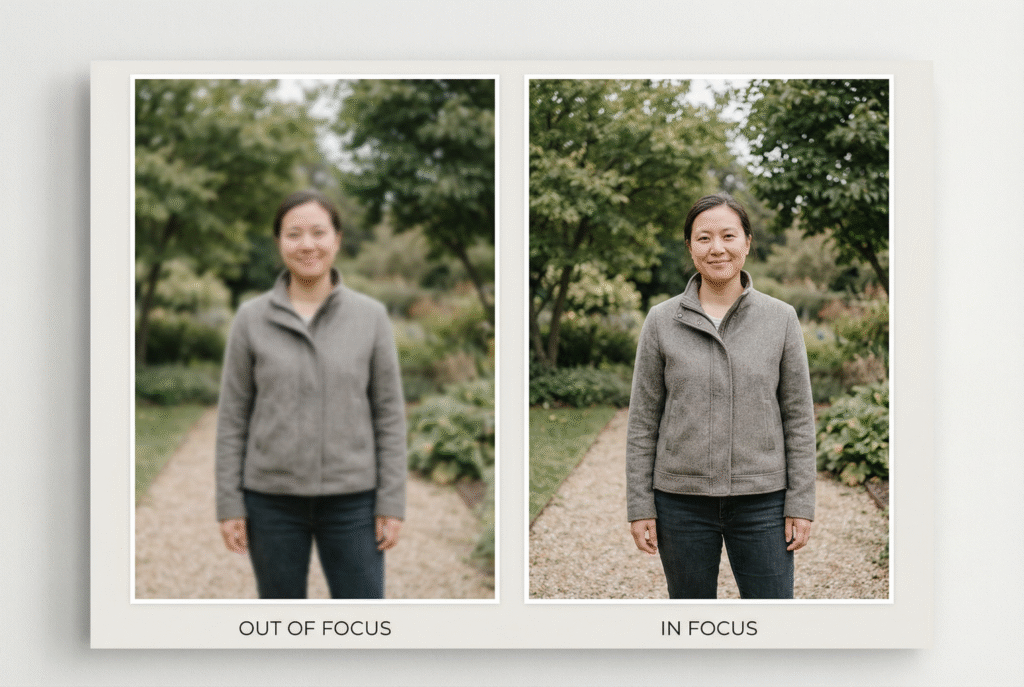
A new series dedicated to helping you create, understand, and preserve beautiful photographs.
Why I Created This Program
After spending more than 30 years behind the camera and now working every day as a photo editor, retoucher, and memory-preservation artist, one thing has become clear:
Most people don’t need a bigger camera.
They need clearer guidance.
Simple, practical, easy-to-follow advice that instantly improves the photos they take — and the photos they send me for merging, restoration, or editing.
This is why I’m launching the PrintableArt FX Learning Program: a collection of friendly, professional lessons to help you understand photography, light, composition, and digital editing in a simple, human way.
My goal is not to turn you into an expert editor.
My goal is to help you:
Take better photos of the people you love
Prepare your images for the best results
Understand what makes a portrait look natural
Recognize the emotional power behind photo restoration
Make confident decisions about your family memories
Whether you’re using a smartphone, a camera, or old printed photos, this program will teach you the essential skills that truly matter.
And we’ll take this journey step by step.
How This Program Works
The lessons are organized into clear modules so you can follow them at your own pace.
You can start anywhere — but I recommend beginning with Module 1, which builds the foundations of better photography.
Below is the full outline of what’s coming.
📘 Module 1 — Foundations of Good Photography
Simple techniques that instantly improve your photos
Understanding Light: The #1 Skill for Better Photos
How to Take Sharp Photos Every Time
Choosing the Best Angles for Natural Portraits
Backgrounds & Composition Made Simple
How to Use Window Light Like a Professional
📘 Module 2 — Preparing Photos for Editing & Merging
How to choose and prepare photos for the best results
How to Prepare Your Photos Before Sending Them for Editing
How to Choose the Right Photos for a Family Merge
Why Matching Light & Perspective Matters
Common Photo Problems — And How to Avoid Them
How to Scan Old Photos Correctly
📘 Module 3 — Editing Basics (Explained Simply)
Understanding the professional decisions behind natural editing
What Is Photo Retouching?
How Color Temperature Affects Your Photos
Understanding Shadows for Realistic Portraits
Why Professional Editing Looks Natural (vs Filters & AI)
What Makes a Merge Look Real vs Fake
📘 Module 4 — Restoration & Memory Preservation
How we bring the past back to life — safely and respectfully
How Old Photos Are Restored — Simplified
Fixing Faded Colors in Old Prints
Why Some Photos Are Harder to Restore
Digitally Preserving Family History
How to Store & Back Up Your Family Photos
📘 Module 5 — Family Photography Made Easy
Helpful guides for parents, families, and everyday moments
How to Take Beautiful Family Photos with a Smartphone
How to Photograph Children
How to Photograph Elderly Loved Ones
Five Poses That Always Look Good
How to Capture Genuine Emotion
📘 Module 6 — Advanced Merging Knowledge
Professional insight into the art of combining photos
How Professionals Match Skin Tones
Combining Photos with Different Light
The Three Elements of a Seamless Merge
Why Expressions Matter in Photo Merging
How Missing Details Are Recreated (Explained Safely)
📘 Module 7 — Mini Tutorials & Quick Tips
Short lessons with big impact
How to Avoid Harsh Shadows
The Quickest Way to Improve Any Photo
Photographing Children by a Window
Why Direct Sun Challenges Portraits
The Most Common Indoor Lighting Mistake
How to Follow the Lessons
You can read the lessons in any order you like, but the best experience is:
Start with Module 1 (Foundations)
Move to Module 2 (Prepping photos)
Then explore the rest depending on your interest
New lessons will be added regularly, so check back often or simply subscribe for updates.
Want New Lessons Sent to You?
Join the free newsletter.
You’ll receive:
New tutorials
Practical tips
Special guides
Before-and-after breakdowns
All delivered warmly and simply — just real, helpful advice.
A Final Note
This program is created with one purpose:
to help you feel confident and inspired when capturing or preserving the moments that matter.
I’m excited to share these lessons with you, and I hope they bring clarity, creativity, and joy to your photography.
Thank you for being here.
Fernando
PrintableArt FX