introduction
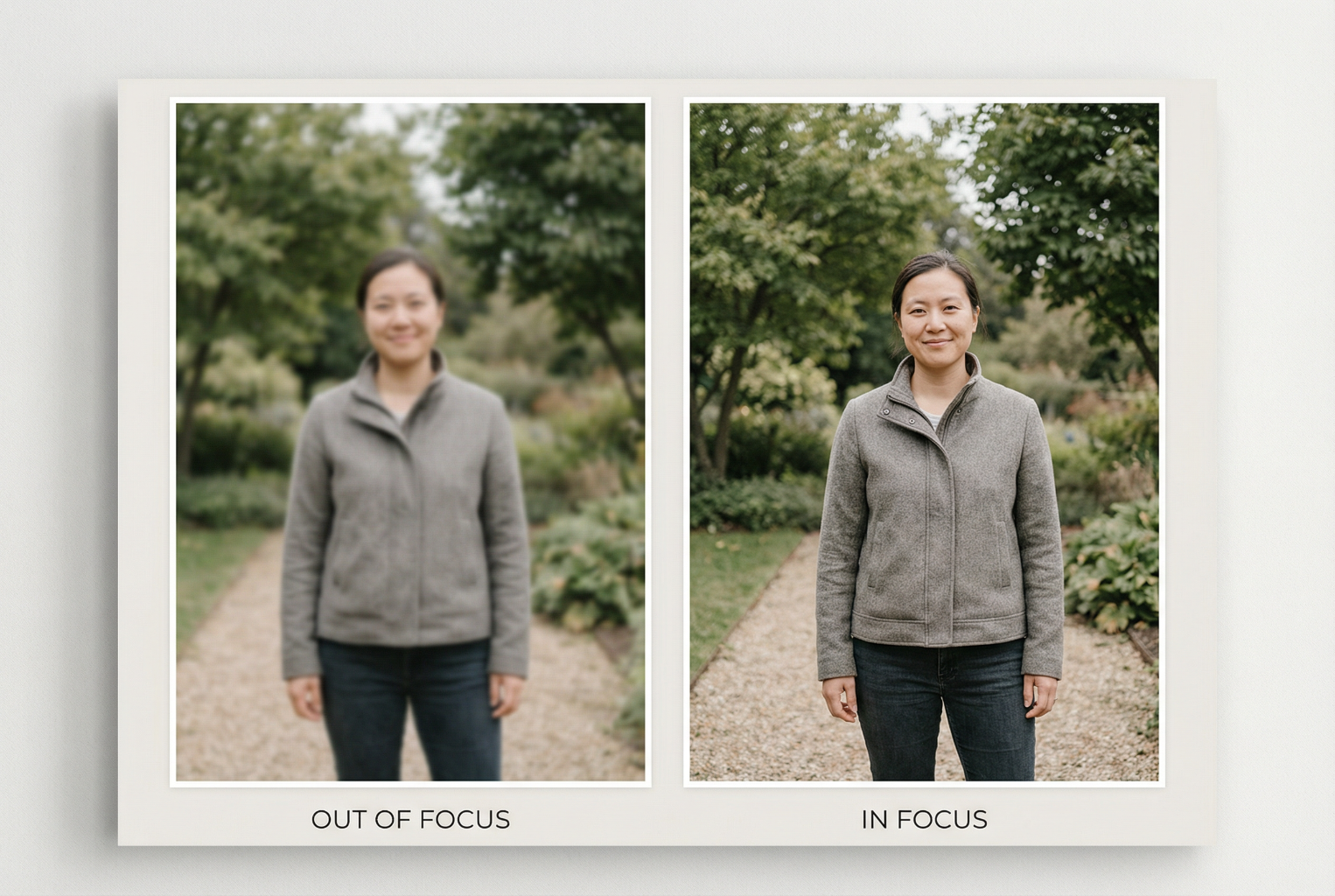
One of the most common frustrations people have with their photos is blur — soft faces, slight movement, or an image that “almost” looks great but isn’t sharp enough to use.
The good news?
Sharp photos don’t require expensive cameras.
They require technique — and a few simple habits.
In this lesson, you’ll learn the exact steps professionals use to make sure every shot is clear, focused, and sharp, whether taken with a smartphone or a camera.
These tips will instantly improve:
- family portraits
- photos of children
- photos for photo merging
- old-photo re-captures
- indoor photos
- outdoor photos
- group shots
Let’s begin.
⭐ 1. Hold the Camera Steady (The Foundation)
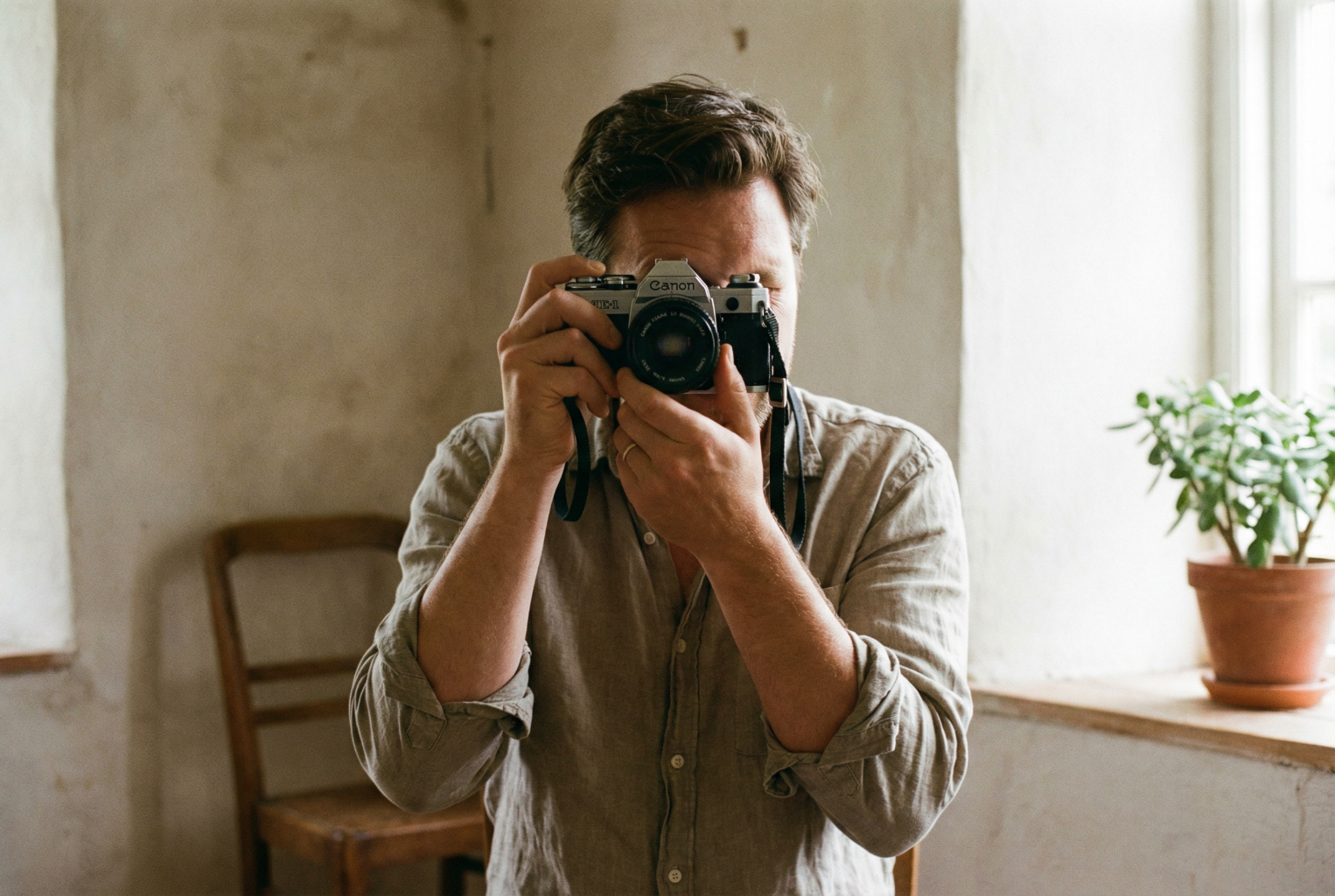
Most blurry photos happen simply because the camera moves — not the subject.
Here’s how to keep your device steady:
✔ Use two hands
Always support your phone with both hands, like a small camera.
✔ Tuck your elbows in
Bring your elbows gently against your body.
This stabilises your arms.
✔ Lean against something
Walls, door frames, tables — anything stable improves sharpness dramatically.
✔ Exhale slowly
Take a breath, then gently exhale as you press the shutter.
This reduces micro-movement.
⭐ 2. Tap to Focus (Don’t Let the Phone Guess)
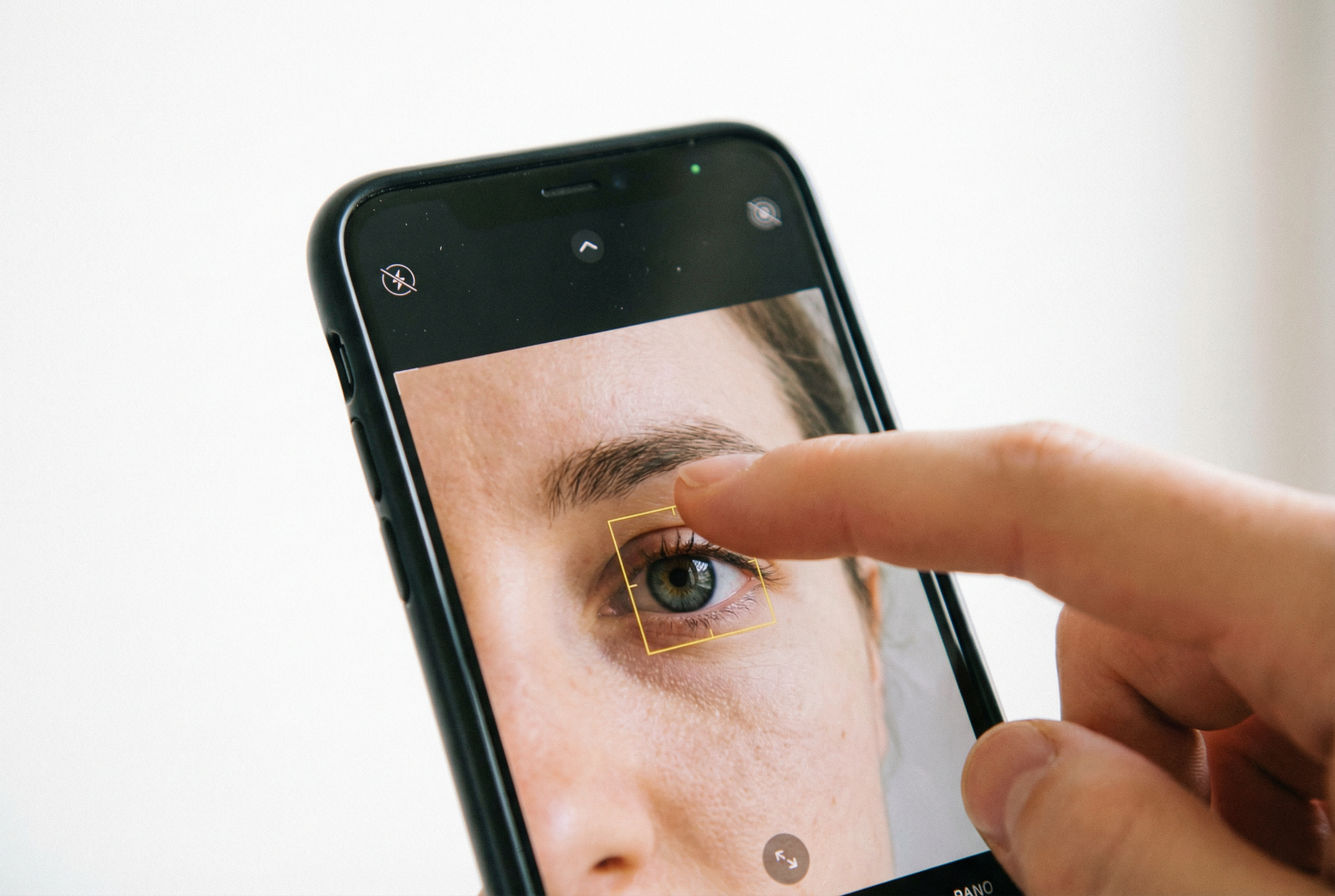
Your phone doesn’t know what you want in focus — you must tell it.
✔ Tap on the person’s eyes
Sharp eyes = sharp photo.
Always tap the eyes or the face.
✔ If the lighting is bright or dark
After tapping, slide your finger up or down to adjust brightness.
✔ If there are multiple people
Tap the person in the front row or the most important subject.
This small habit alone prevents 70% of soft photos.
⭐ 3. Use Burst Mode for Moving Subjects

Kids, pets, and groups often move at the exact wrong moment.
The solution?
✔ Hold the shutter button to take a burst
Your phone will take multiple photos per second.
Afterward, you can choose the sharpest one.
Perfect for:
- families
- toddlers
- babies
- weddings
- outdoor portraits
This is one of the biggest tricks professionals use — and never tell.
⭐ 4. Good Lighting = Sharper Photos

In Lesson 1, we covered the importance of light.
Here’s how it relates directly to sharpness:
✔ More light = faster shutter = clearer photos
✔ Low light = slow shutter = blurry photos
To get sharper images:
- Move closer to a window
- Step outdoors
- Turn on an additional lamp (without pointing it at the face)
- Avoid dim rooms and downlights
Soft, bright light produces the sharpest photos.
⭐ 5. Clean Your Lens (It Matters!)
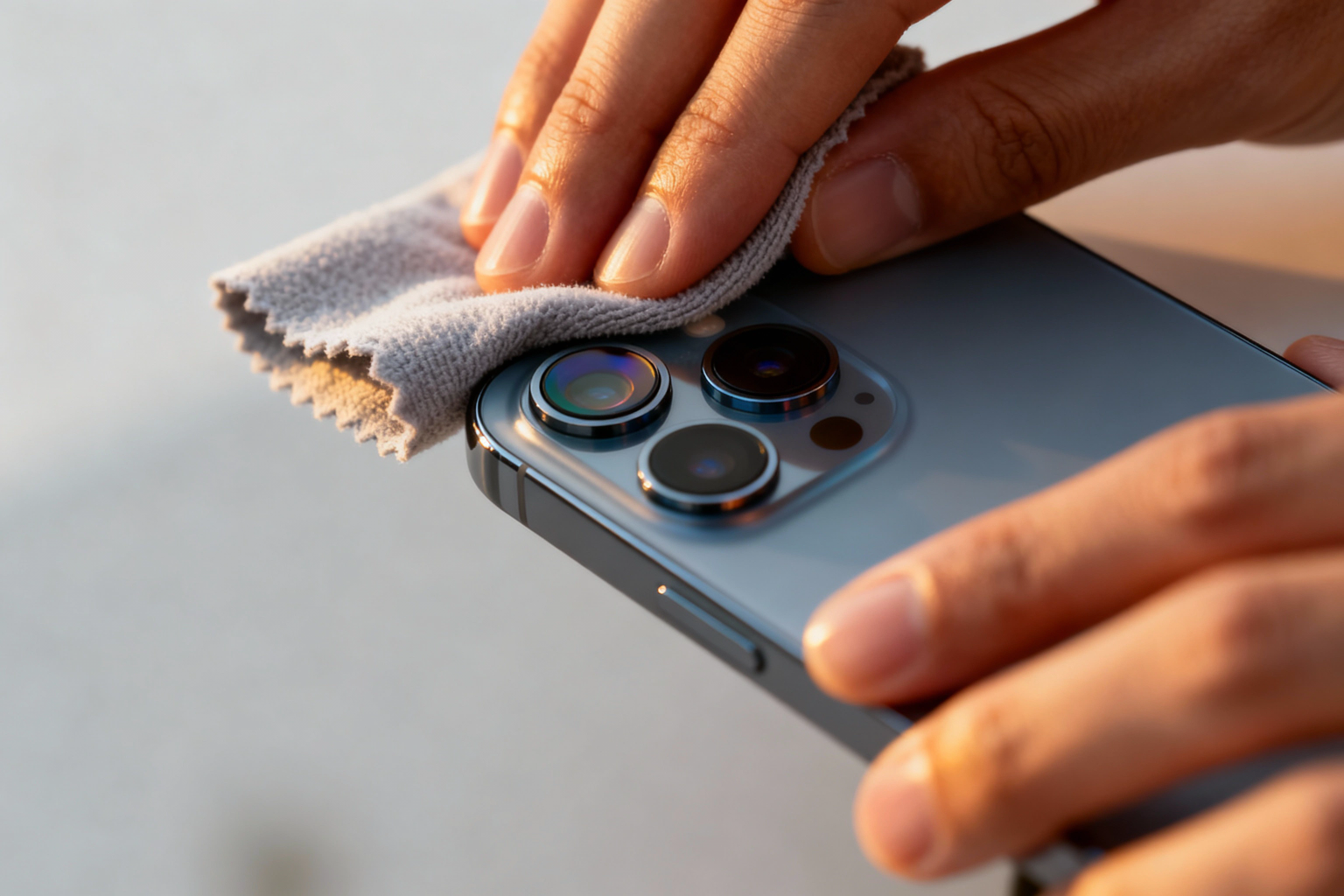
A single fingerprint can soften the entire image.
Make it a habit:
✔ Use your T-shirt or a soft cloth
✔ Gently wipe before every important shot
Clean lenses = crisp detail.
⭐ 6. Keep a Slight Distance
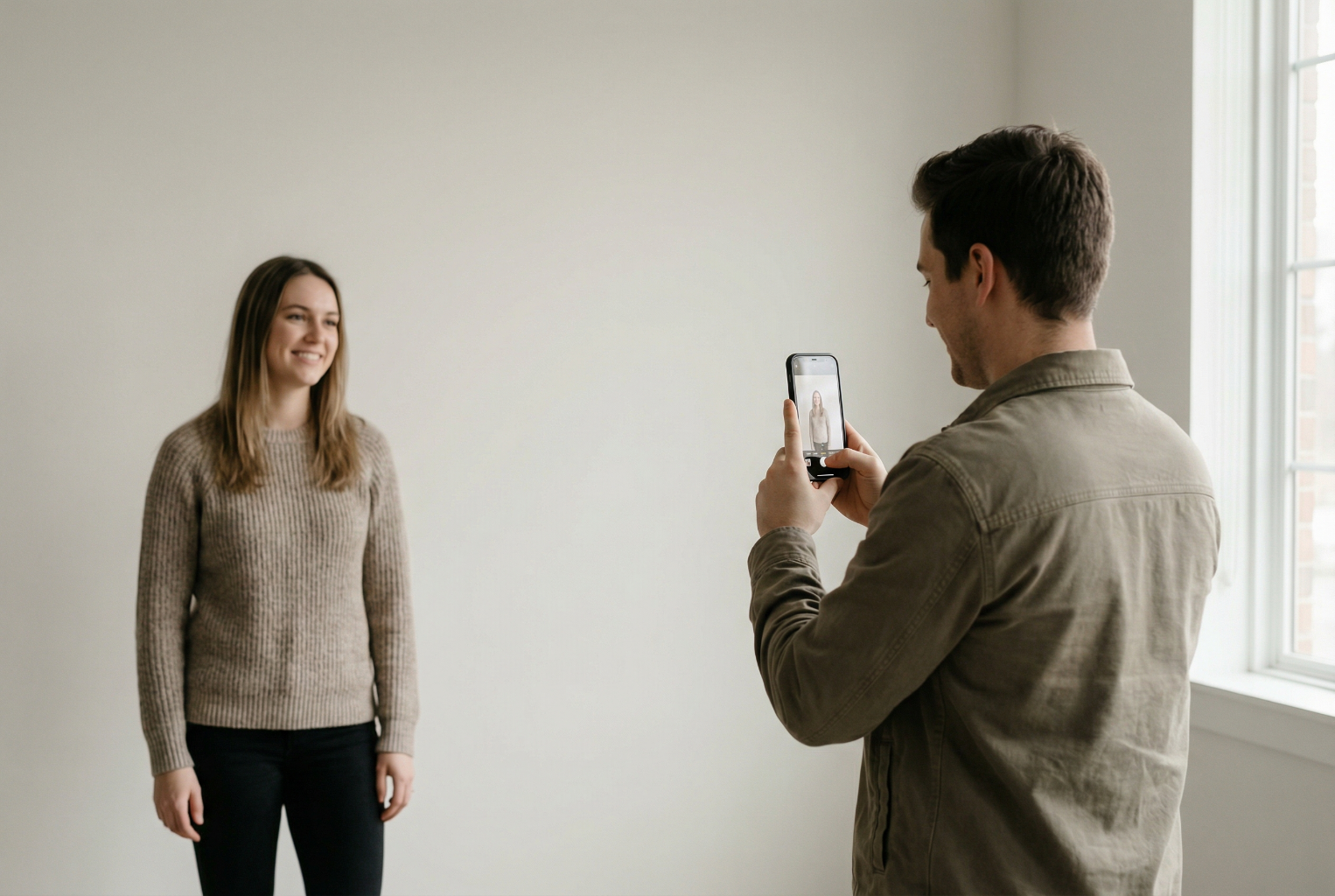
Phones distort subjects when they’re too close.
✔ Stand back a little
✔ Zoom with your feet, not your fingers
✔ Maintain a comfortable 1–2 metre distance
This improves:
- sharpness
- perspective
- depth
- merging accuracy later
⭐ 7. Avoid Digital Zoom
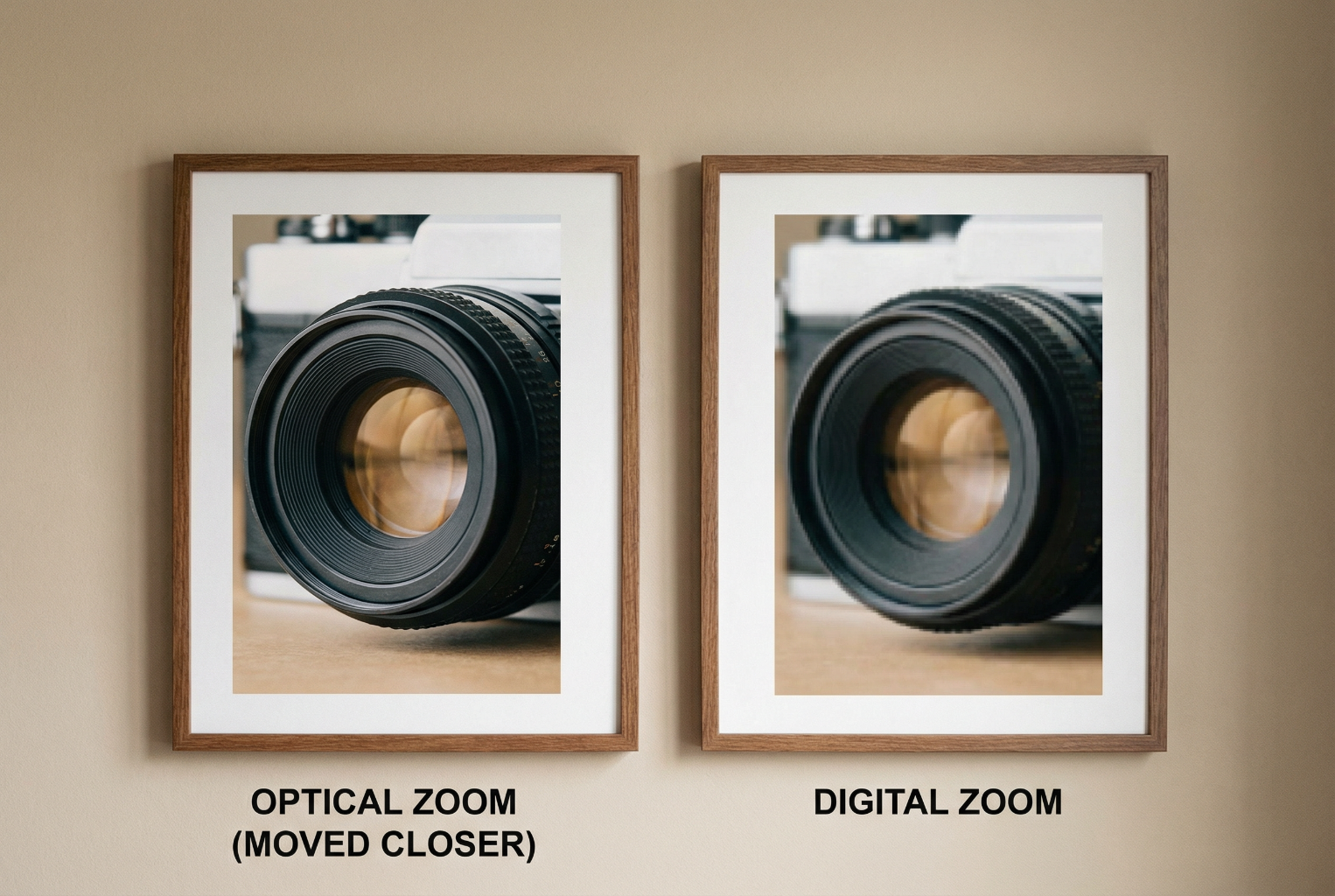
Pinch-zooming makes photos look soft and pixelated.
✔ Instead, move closer physically
or
✔ Crop the photo afterward (much sharper)
Digital zoom reduces quality — avoid it whenever possible.
⭐ 8. Use Support When Indoors

Indoors = less light = higher chance of blur.
To stabilise your shots:
- Rest your elbows on a table
- Lean on a wall
- Hold the phone against a doorframe
- Use a kitchen bench for stability
Professional photographers use support constantly.
⭐ 9. Watch the Movement
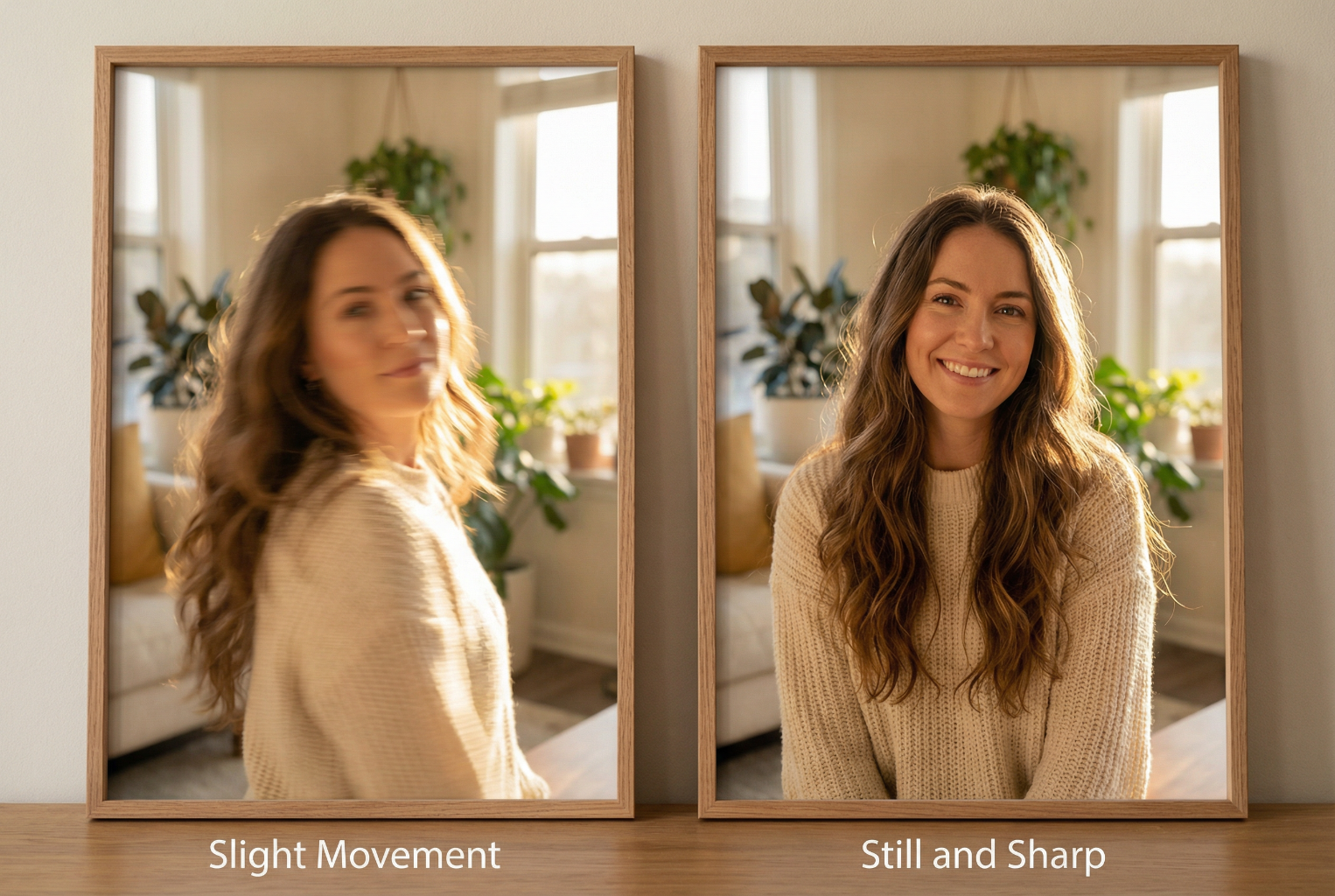
✔ If the subject is moving
Use burst mode.
✔ If you are moving
Stop completely before taking the shot.
✔ If the environment is dark
Move to brighter light rather than forcing the camera.
Movement + low light = blur every time.
⭐ 10. A Simple Exercise to Improve Sharpness
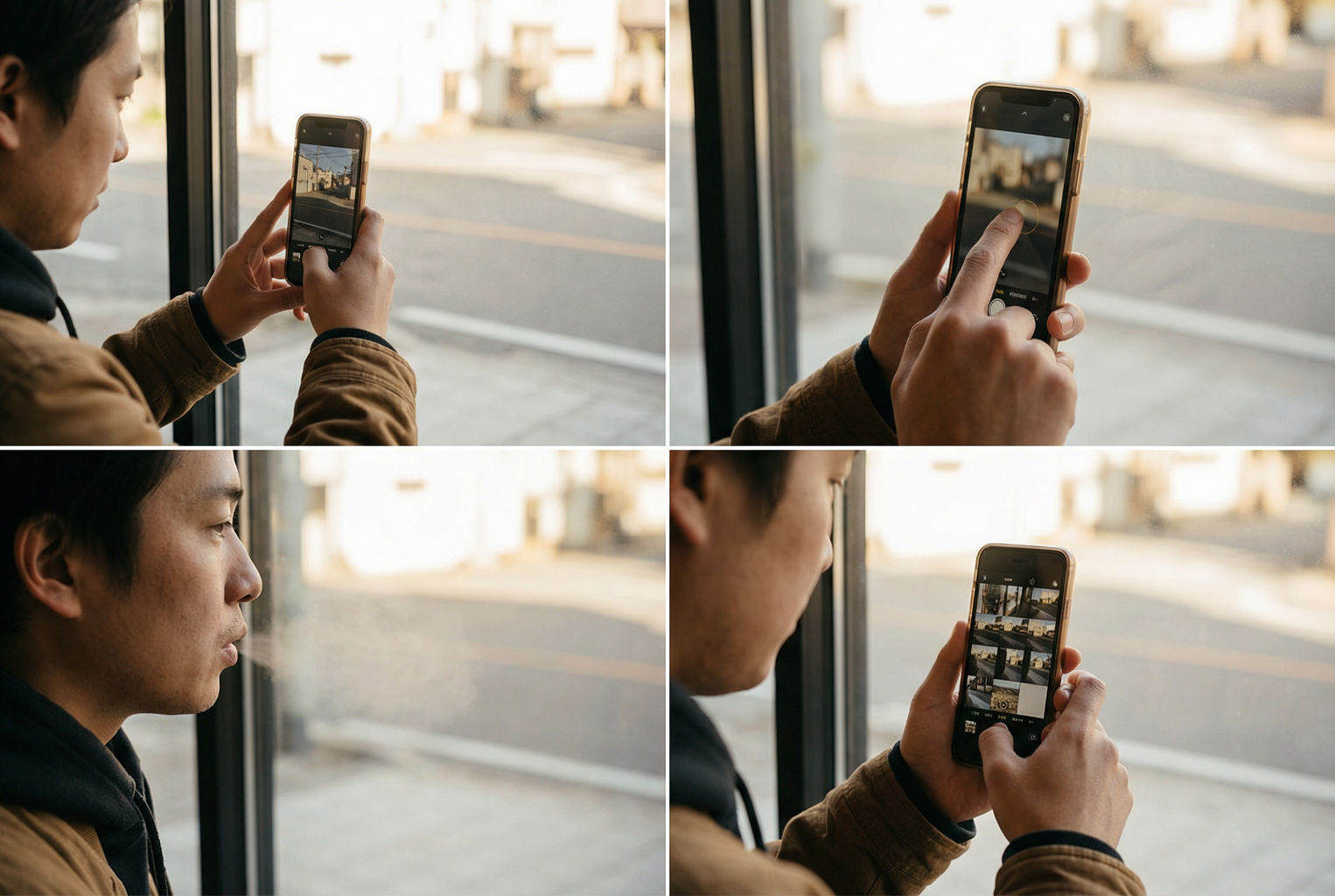
Try this today:
- Stand in front of a window
- Hold your phone with two hands
- Tap on your eye
- Exhale
- Take the shot
- Then take 3–5 shots in burst mode
Compare the results — you will see:
- brighter eyes
- smoother skin
- sharper details
- more consistent clarity
This habit alone transforms your photography.
⭐ Summary
Sharp photos aren’t about luck or expensive equipment — they’re about technique.
Remember:
✔ Hold steady
✔ Tap to focus
✔ Use burst mode
✔ Use plenty of light
✔ Avoid digital zoom
✔ Clean your lens
✔ Move closer rather than zoom
✔ Stabilize indoors
✔ Control movement
Practice these steps and your photos will become clearer, more professional, and far more suitable for stunning merges and edits
⭐ Next Lesson
Lesson 3 — Choosing the Best Angles for Natural Portraits
⭐ Want the next lesson delivered to your inbox?